Luware NimbusOne:
Run Your Contact Center in Your Client of Choice

With Luware Nimbus One, your contact center lives where your workflows do: in your CRM, ERP, or a custom unified agent desktop. 

Nimbus-Hero_NimbusOne
  • Microsoft-certified for Unify
  • 99.99% SLA
  • SOC 2 Type II
  • ISO 27001

Access more use cases within Luware Nimbus

See how it works

Client of choice

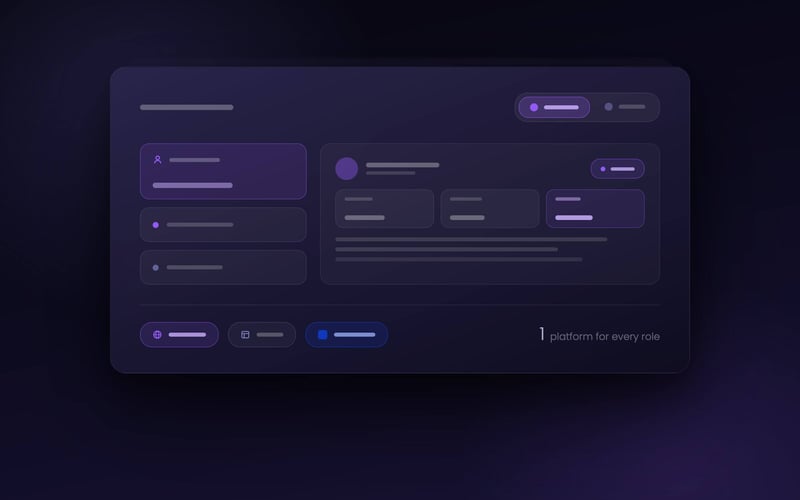
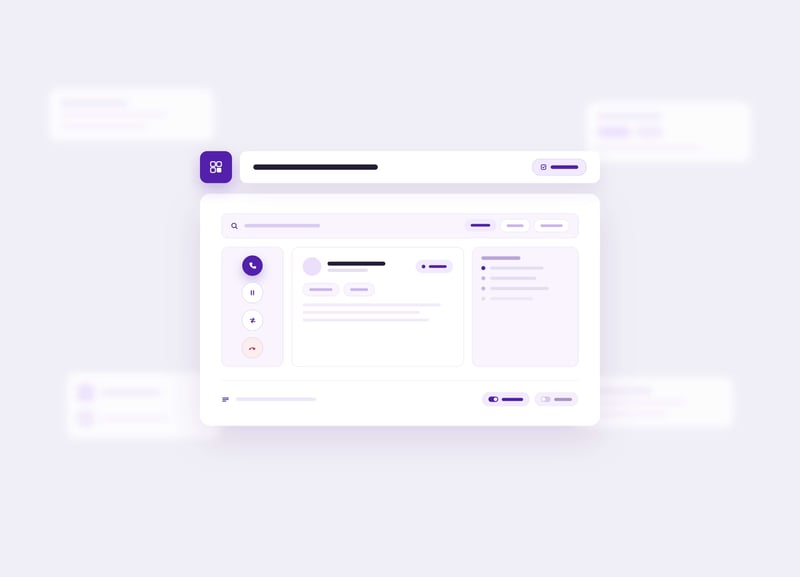
A workspace shaped around each role. Telephony-first users can keep using Luware Nimbus through Microsoft Teams, while users with specialist needs can manage all calls and tasks from their preferred workspace. Whether that's a CRM or an optimized, customizable agent desktop. IT only has to manage one platform.

Real-time AI

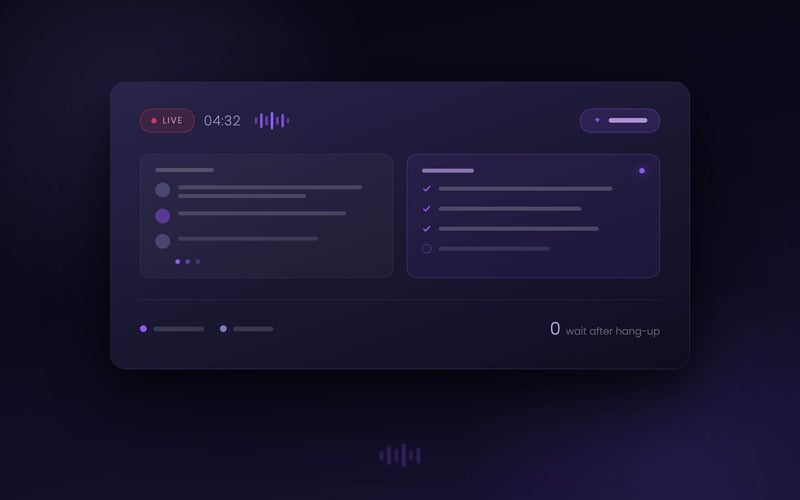
AI on the live call. Option to run transcription and summarization during the conversation, not after it. Notes are written by the time the call ends.

Dual persona

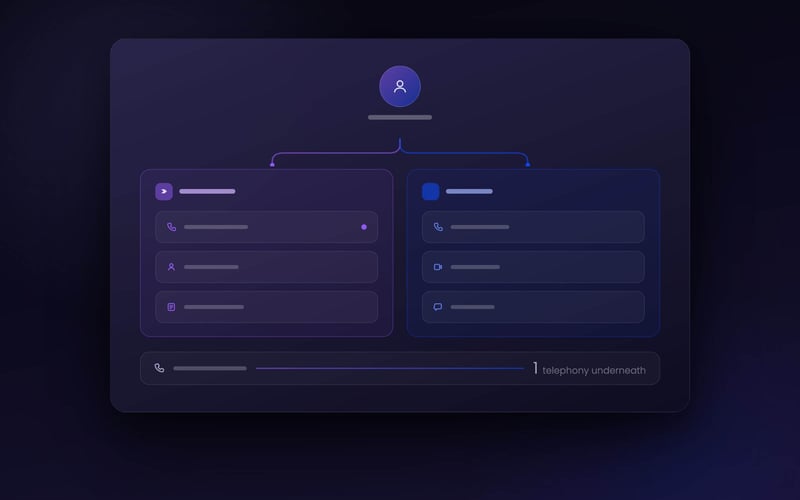
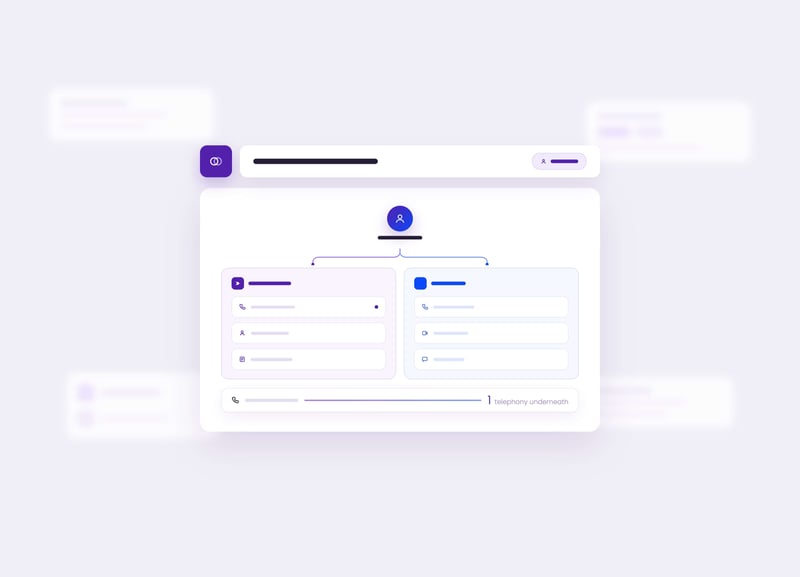
One employee, two contexts. Users have two identities and can separate contact center calls from personal calls, meetings and chats. Customer work happens in Luware NimbusOne, everything else stays in Microsoft Teams, on the same telephony underneath.

Your Teams telephony works. The workspace, less so.

Your agents know your business. What slows them down is figuring out the tool. A call comes in, and the first question is not how to help. It is which window. The queue in one, contacts for the transfer in the next, customer history in the CRM, AI tools in yet another. Every switch costs a few seconds and a little context, and those seconds are precisely what your handling time is made of.

Customer calls ring in the same client as chats, meetings and personal calls, so a waiting customer looks exactly like a colleague saying a quick hello. And every team works in that one client, on the same crowded screen, whether it spends all day in the CRM or runs the reception desk.

The usual way out: a separate solution for every team. That clears up the screen, but each one saddles IT with another platform to administer.

From incoming call to closed interaction in six steps

01

Sign in, wherever you work

Open Luware Nimbus in your client of choice: the browser, full-size or as a compact CTI, or inside your CRM. Presence syncs with Microsoft Teams. This is the client of choice principle: each role opens the client that fits its work.

Interactions route over Microsoft Teams Phone. Accept, decline, or handle RONA from one unified agent desktop. 

02

Handle contact center interactions in your client of choice

03

Get AI support

A virtual user handles the routing before the call reaches you, then transcription and summarization run while you talk, so the notes are written by the time the call ends.

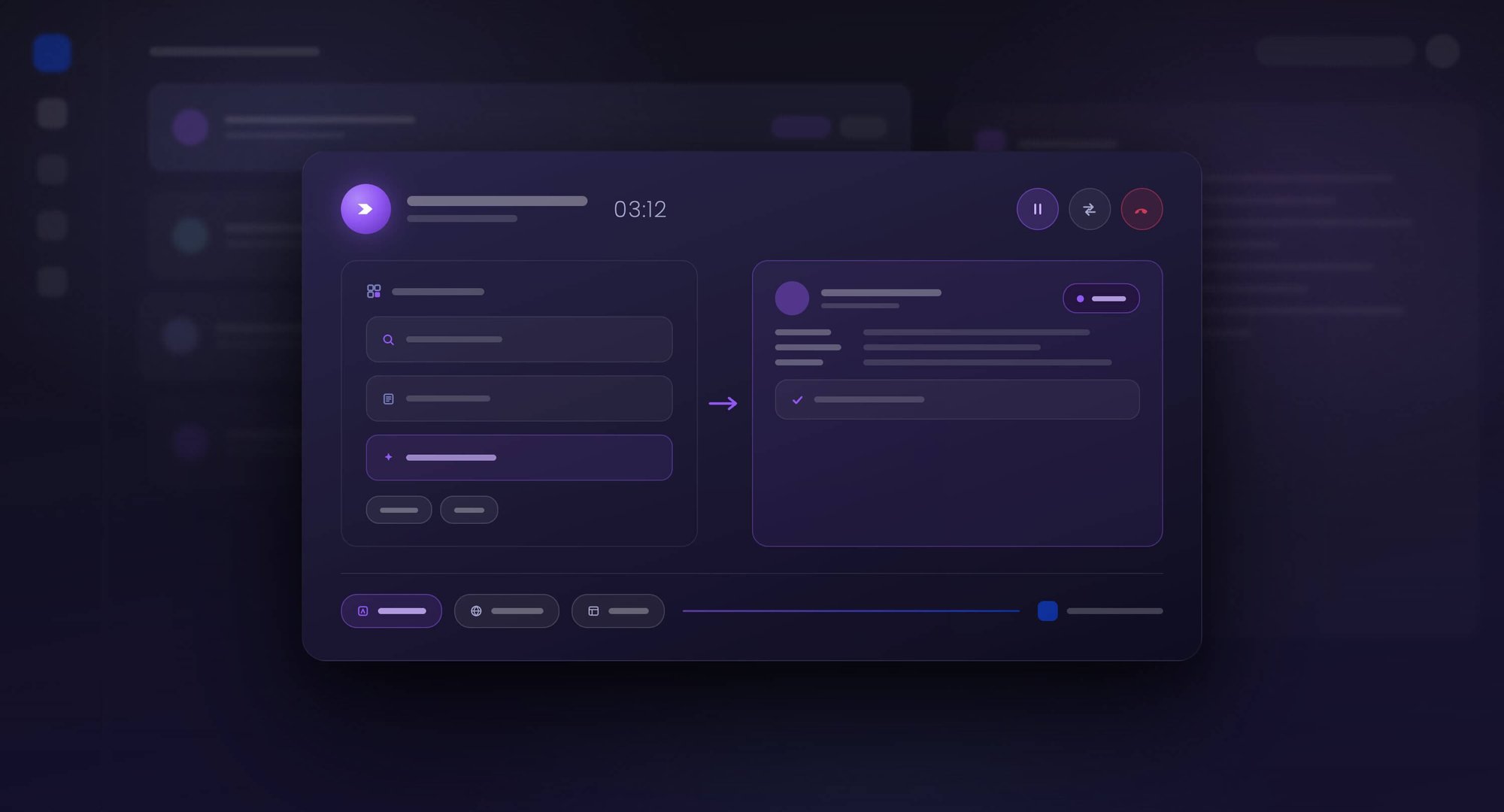
Call flow, customer record, and embedded context app appear next to the live interaction.

04

Context loads with the call

05

Handle it end to end

Hold and resume. Blind, safe, and consultation transfer. Service transfer with availability. Outbound direct or on behalf.

After-call work, historical sessions, and any incomplete session stay one click away.

06

Close and move on

What Luware NimbusOne delivers

One customizable agent desktop

Call controls, multi-source contact search, live session context, and history in one unified, distraction-free view. Widgets and layout adapt to each contact center use case, so employees focus on the customer, not the tool.

Complete call handling

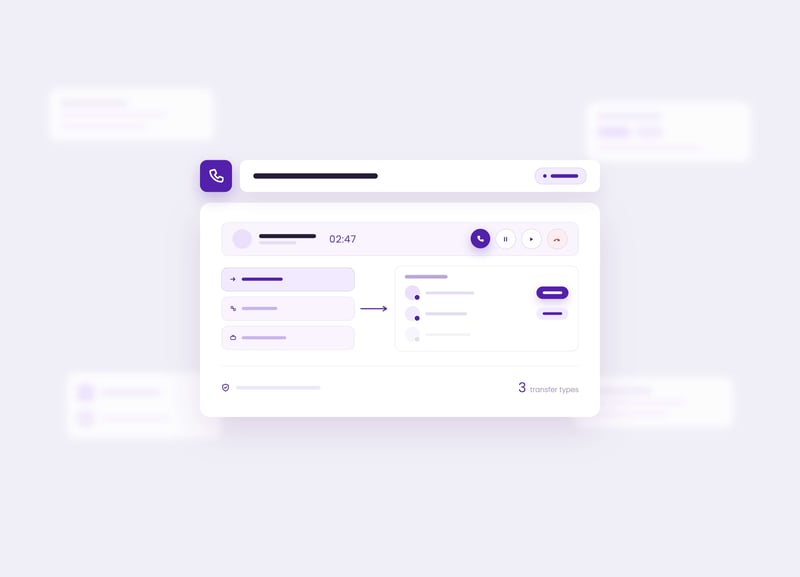
Accept, decline, hold, resume, three transfer types, and service transfer that shows who is free, so calls land with someone who can take them.

Real-time AI

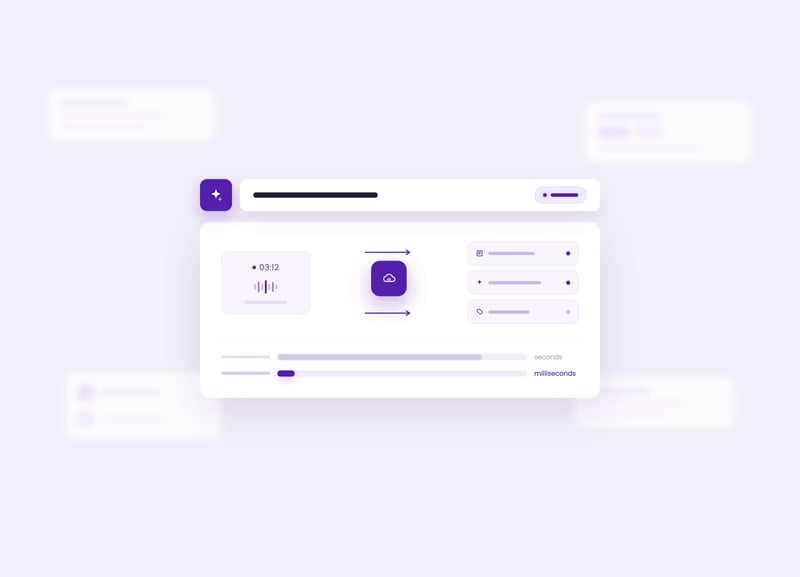
Calls and media are processed directly in Azure Communication Services, so transcription, summarization, and suggested codes and tags run on the live conversation with no lag. For high-volume organizations, receiving a call takes milliseconds instead of seconds, and at scale that difference adds up.

Client of choice

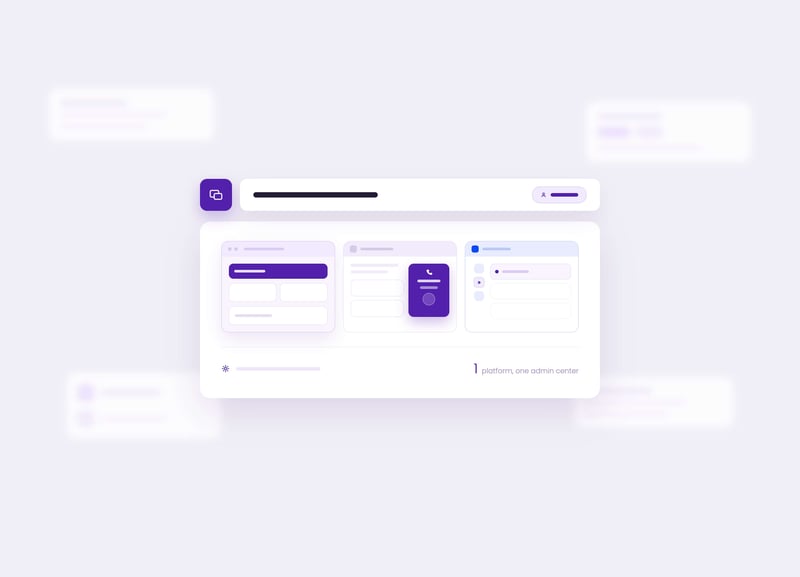
Every team works in the client that fits its role: the full-size web client, a compact CTI inside Salesforce or Dynamics 365. Nobody is forced into an interface built for someone else, and IT still runs one platform from one admin center.

Dual persona. One employee, two contexts

Contact center interactions run in Luware NimbusOne while personal calls, meetings, and chats stay in Microsoft Teams, on the same telephony platform underneath. The two never mix, so a waiting customer never looks like a colleague saying hello.

Every channel, one queue

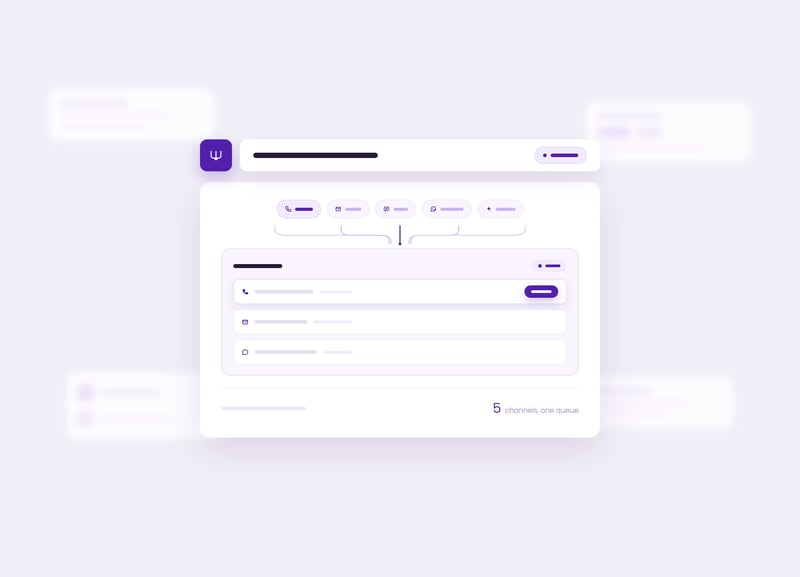
Calls, email, SMS, WhatsApp, and Interact arrive in the same queue and the same workspace, so employees work one list instead of several tools.

Accessible by default

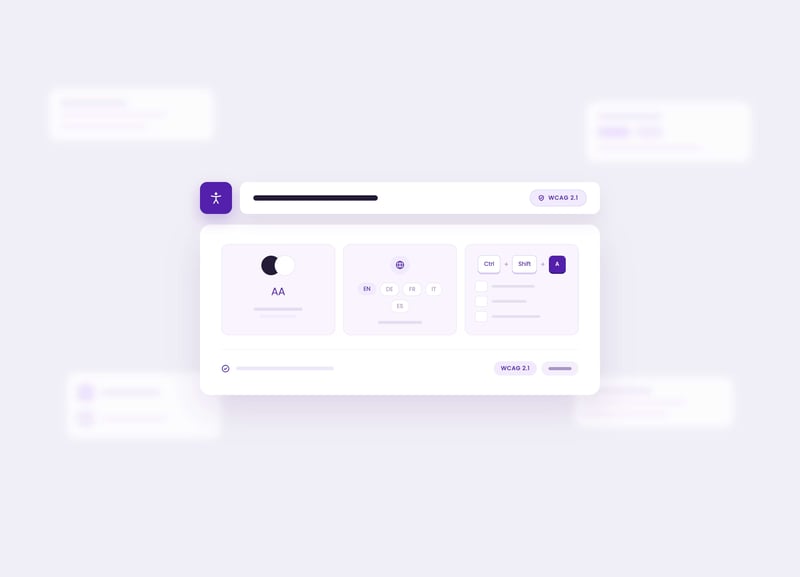
WCAG 2.1, multilanguage, and keyboard shortcuts, so the workspace fits every employee on the floor.

Built for the teams the Teams app cannot serve

CRM-first sales or service

The team lives in Dynamics 365 or Salesforce and never opens Teams. They run the compact CTI inside the CRM, calling on your Teams Phone numbers.

A line that outgrew Teams

High-volume support or citizen service needs queues, availability-aware transfer, and after-call work. They run the full-size web client on the same Teams Phone platform. 

Browser or application-based roles

Employees whose primary workspace is a browser or a business application. 

What Luware Nimbus users report

75%

of Luware Nimbus customers found the platform easy or very easy to learn.

This statistic reflects feedback from 52 Luware customers surveyed in June–July 2023 across German- and English-speaking regions. Luware NimbusOne runs on this same platform, with the same routing, workflows, and administration. What's new is the workspace: agents work in the client that fits their role instead of learning an interface built for someone else. Call controls, contacts, and customer context come together in a single view. That way, attention stays on the customer, not on finding the right window. IT, in turn, has no second environment to learn.

Want to run your contact center inside your CRM?

Book a personalized demo and see how Luware NimbusOne works inside your CRM.

Michael Jakob on why we built Luware NimbusOne

One platform, one administration layer, and one consistent customer service experience.

We have always believed that customer service should not sit alongside a communication platform, but be part of it. To help organizations extend the power of Microsoft Teams and the broader Microsoft ecosystem into customer service, we built Luware Nimbus, a CX orchestration platform that enables customer interactions directly within Microsoft 365. By leveraging Teams as the primary agent interface, Luware Nimbus fits seamlessly into existing workflows while adapting to each organization's unique requirements. With Luware NimbusOne, we are extending that vision beyond the Teams client. For agents who work primarily in a CRM or an optimized unified desktop, Luware NimbusOne delivers the same routing, workflow, and AI capabilities within their preferred workspace. One platform, one administration layer, and one consistent customer service experience.

Michael Jakob

CTO at Luware

Michael Jakob is co-founder and CTO of Luware. His bachelor thesis at the University of Rapperswil laid the technical foundation for the company, founded in 2010. He has since led Luware's engineering and built the SaaS platform Luware Nimbus from scratch with his team.

How Luware NimbusOne connects with your tech stack

Azure Communication Services and real-time AI

Azure Communication Services carries the call media, and direct access to the live media stream is what powers real-time transcription, summarization, and in-call assistance. The platform runs on Azure infrastructure.

Salesforce

Open CTI embedding, with call context on the customer record.

Dynamics 365

Embedded in the CRM, with call context on the customer record.

Frequently asked questions about Luware NimbusOne

WEB_NIM_FUNCTIONALITY_call-reporting-analytics_2560x1440_A

What is Luware NimbusOne?

Luware NimbusOne is an optimized and customizable unified agent desktop for Luware Nimbus. It runs on the Luware Nimbus platform and gives agents one dedicated interface for all customer interactions, transfers, contacts, and customer context, in the local application, browser or embedded in a CRM.

Does Luware NimbusOne require contact center employees to use the Microsoft Teams app?

No. Luware NimbusOne is built on Microsoft Teams Phone extensibility, not on Graph API like the Extend version. Teams Phone extensibility is Microsoft's Unify integration model, that lets a contact center run on your existing Teams Phone telephony and numbers while contact center agents work in a separate application. Calls and media are processed directly in Azure Communication Services, so agents get a dedicated workspace in the local application, browser or inside a CRM without opening the Teams app. 

What do client of choice and dual persona mean in Luware NimbusOne?

Client of choice means every team works in the client that fits its role: knowledge workers stay in Microsoft Teams, contact center agents work in the Luware NimbusOne web client, and CRM-first teams use the compact CTI inside CRMs like Salesforce or Dynamics 365, all on the same platform. Dual persona means one employee can hold two contexts at once: contact center interactions run in Luware NimbusOne while personal calls, meetings, and chats stay in Microsoft Teams, and the two never mix. Routing, administration, and reporting stay the same on the Luware Nimbus platform underneath.

Can I run Luware NimbusOne inside my CRM?

Yes. Luware NimbusOne runs as a full-size web client or as a compact CTI embedded in your CRM. Salesforce is supported through Open CTI and Dynamics 365 through its embedding framework, with call context on the customer record. Other business applications can be embedded in the workspace as a context app.

Why might organizations with AI ambitions choose Luware NimbusOne?

Luware NimbusOne is built on the Unify integration model which means calls and media streams are processed directly in Azure Communication Services. Real-time transcription, summarization, and in-call assistance run on the live media stream with no lag, and receiving a call takes milliseconds instead of seconds, so high-volume teams can get support while the conversation is still happening.

Does Luware NimbusOne require IT to manage a second environment?

No. Luware NimbusOne runs on the Microsoft Teams infrastructure you already own and is administered from one admin center on the Luware Nimbus platform. One solution serves the whole organization, which keeps IT effort and training costs down even when different teams use different clients.

Is Luware NimbusOne secure enough for regulated organizations?

 Yes, Luware NimbusOne inherits the enterprise security foundation of the Luware Nimbus platform. Luware Nimbus holds Microsoft 365 App Certification and is Modern Work Certified Software and Microsoft Financial Services AI Certified Software, available on Microsoft Marketplace. Luware has been a close Microsoft partner for more than a decade and is certified to ISO 27001, 9001, 14001, and 22301, with a SOC 2 Type II attestation. 

See Luware NimbusOne handle a live call

30-minutes, your scenario, your telephony. We will show Luware NimbusOne in the local app,  browser and inside a CRM. 

✓  30-minute demo 
✓  No commitment 
✓  Your telephony, your scenario

Book a Demo

Content reviewed and validated by

Markus Weisbrod

Head of Product Management, Luware Nimbus Last updated: September 2026