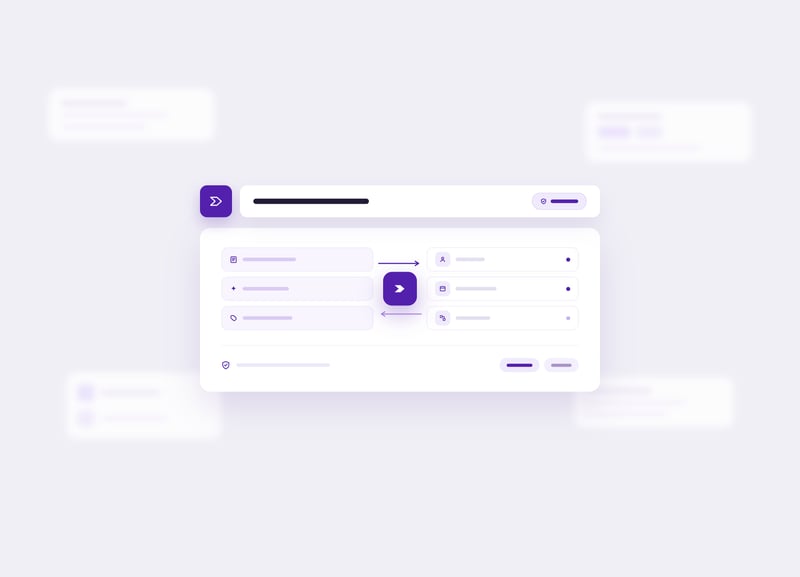
Augment Every Employee in Your Contact Center with AI

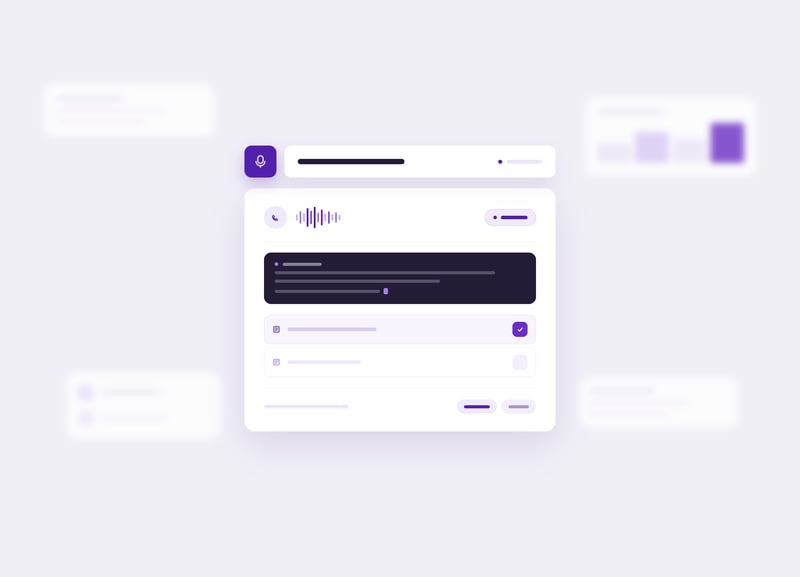
Luware Nimbus Companion is the AI contact center layer built for Microsoft Teams. It automates transcription, summaries, and call coding so your team handles more conversations with less after call work.
Nimbus-Hero_Companion
  • CRN Tech Innovator Award
  • Award winning Microsoft Partner
  • Microsoft Financial Services AI certified

What your contact center gains with Luware Nimbus Companion

See how it works

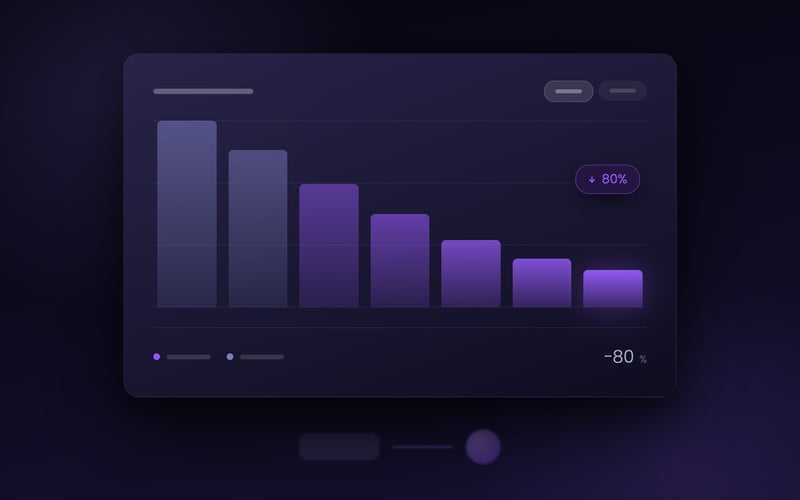
80% Less after call work

Transcription, summaries, and AI-suggested codes happen automatically. Your team stops retyping what they just said.

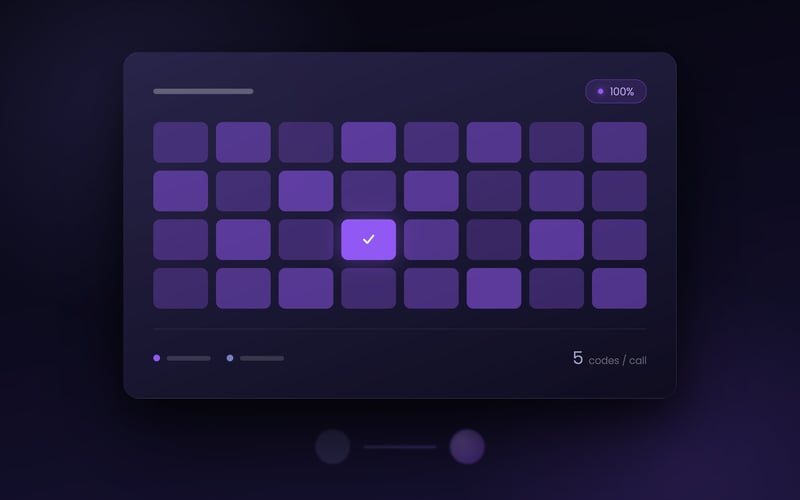
100% Every call transcribed, summarized, and coded

No more random-sample QA. Every Microsoft Teams interaction gets the same AI treatment, with up to 5 suggested codes and tags per call.

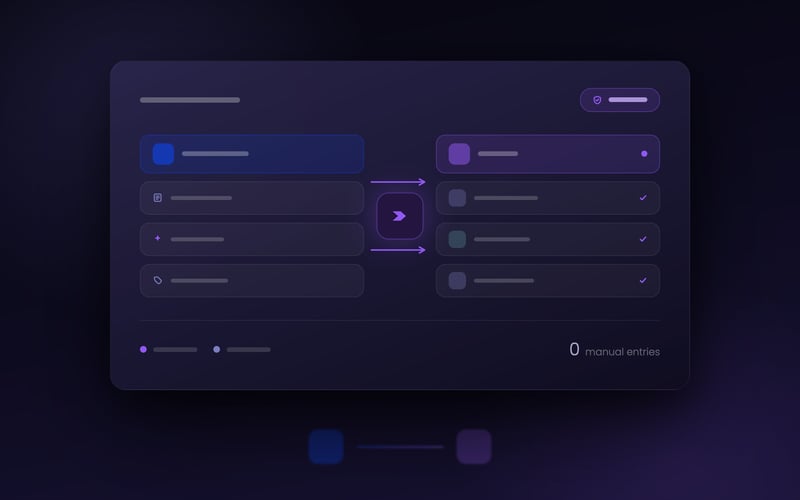
Connected From Microsoft Teams straight to your CRM

Luware Nimbus Companion pushes transcripts, summaries, and codes into your CRM or ticketing system through the certified Luware Nimbus Power Automate connector. No copy-paste, no manual entry, no lost context.

The hidden work behind every call

A call doesn't end when the customer hangs up. When the conversation wraps, the contact center employee still has to retype notes, choose the right codes, find the record in the CRM, and summarize for reporting.

Industry research shows 87% of contact center employees experience very high multitasking stress, and 70% say after call work time is too short. Teams end up with inconsistent coding and missing tags that make reporting unreliable and coaching harder.

From Microsoft Teams call to augmented contact center in five steps

01

The call arrives and transcription starts automatically

A caller reaches your team through Luware Nimbus inside Microsoft Teams. A preconfigured speech recognizer (Azure AI Services or Luware Nimbus AI Services) converts the audio into text in real time, and live captions appear in the contact center employee's workspace. 

After the call ends, the full transcript appears on the contact center employee's My Sessions page, searchable and ready to push downstream. 

02

Transcripts land in My Sessions

03

Luware Nimbus Companion generates a structured summary

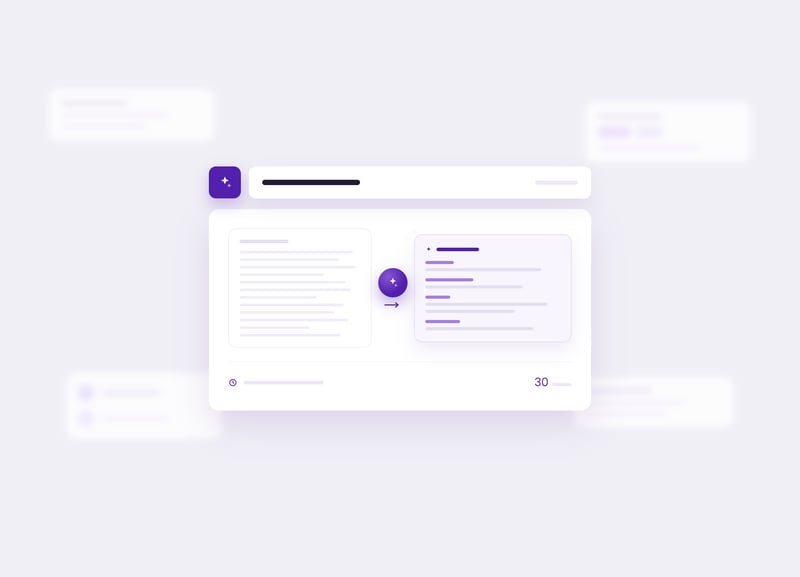
The summary is organized into customizable fields: Title, Issue Resolution, Recap, and Narrative. Summaries stay in the widget for 30 days. 

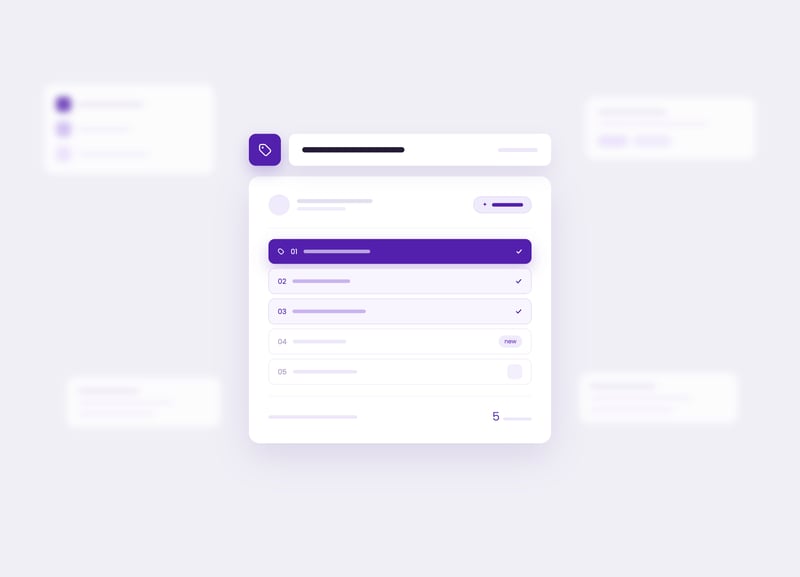
Luware Nimbus Companion analyzes the call context and suggests up to 5 relevant codes and tags. Suggestions are drawn from your team's existing labels or proposed as new ones. 

04

Codes and tags are suggested automatically

05

Everything syncs to your CRM automatically

Through the certified Luware Nimbus Power Automate connector, transcripts, summaries, and codes push into your CRM, ticketing system, or other business platform. No copy-paste, no manual updates. 

What the Luware Nimbus Companion delivers

Real-time transcription and live captioning

A preconfigured speech recognizer (Azure AI Services or Luware Nimbus AI Services) converts audio into text during and after every call. Live captions appear in the contact center employee's workspace, and full transcripts land on My Sessions for review.

AI-generated summaries

Each call becomes a structured summary with customizable fields: Title, Issue Resolution, Recap, and Narrative. Summaries stay in the My Sessions widget for 30 days.

AI-suggested codes and tags

Luware Nimbus Companion proposes up to 5 relevant codes and tags per call, drawn from your team's historical labels or suggested as new ones. Reporting stays consistent without manual effort from your team.

Natural-language chat interface

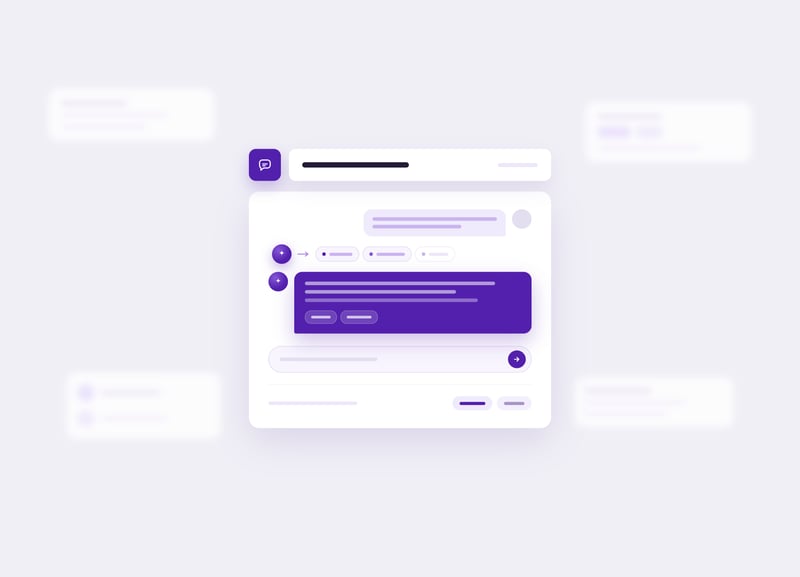
Your team asks Luware Nimbus Companion a question in plain language instead of searching through documentation. It orchestrates the right AI services and virtual assistants to find an answer.

Extensible virtual assistants

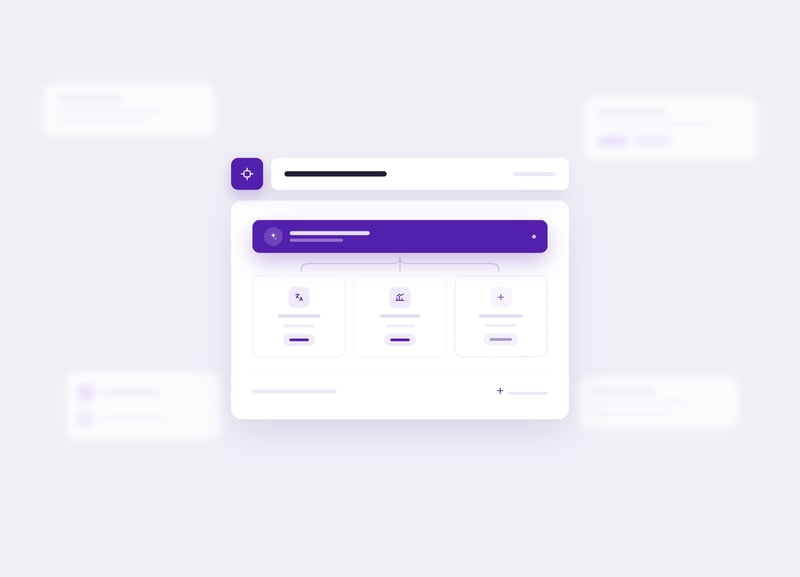
Add task-specific assistants on the same orchestration layer: a Translation Assistant for multilingual service, a Reporting Assistant for on-demand insights, or custom assistants built on Microsoft Copilot.

Certified Luware Nimbus Power Automate connector

Push transcripts, summaries, codes, and tags into your CRM, ticketing system, or other business platform without manual entry. The connector is certified by Microsoft.

What customers say about Luware Nimbus Companion

"Setup is very straightforward and quick. On the My Sessions page, I find the icons and the way codes and tags are presented to be very user-friendly."

IT lead, European IT services firm (Luware Nimbus Companion preview participant)

Want to improve your contact center?

Book a personalised demo and see how the Luware Nimbus Companion can work for your team.

Liis Kalmet on why we built Luware Nimbus Companion this way

Most contact centers don't need AI to take over the conversation. They need AI to take over the work that happens around the conversation. Luware Nimbus Companion is designed exactly that way.

It handles transcription, summarization, and call coding so your team can keep their attention on the customer and on the judgment calls that still belong with a human. The goal is to give contact center employees back the minutes AI can absorb, not to replace the minutes that matter most.

Liis Kalmet

Product Manager (AI features), Luware Nimbus

Liis Kalmet serves as the Product Manager overseeing AI features within Luware Nimbus. Combining a strong foundation in global customer success with strategic product innovation. Her diverse background includes driving high-level user adoption, managing complex integrations, and fostering strong client relationships at tech companies like Go Instore and ERPLY across the UK, Australia, and Estonia. Since joining Luware in 2023, Liis has rapidly progressed from Customer Success Specialist to Product Manager. She expertly leverages her deep, hands-on understanding of client needs and cross-functional collaboration to shape the future of AI-driven communication solutions.
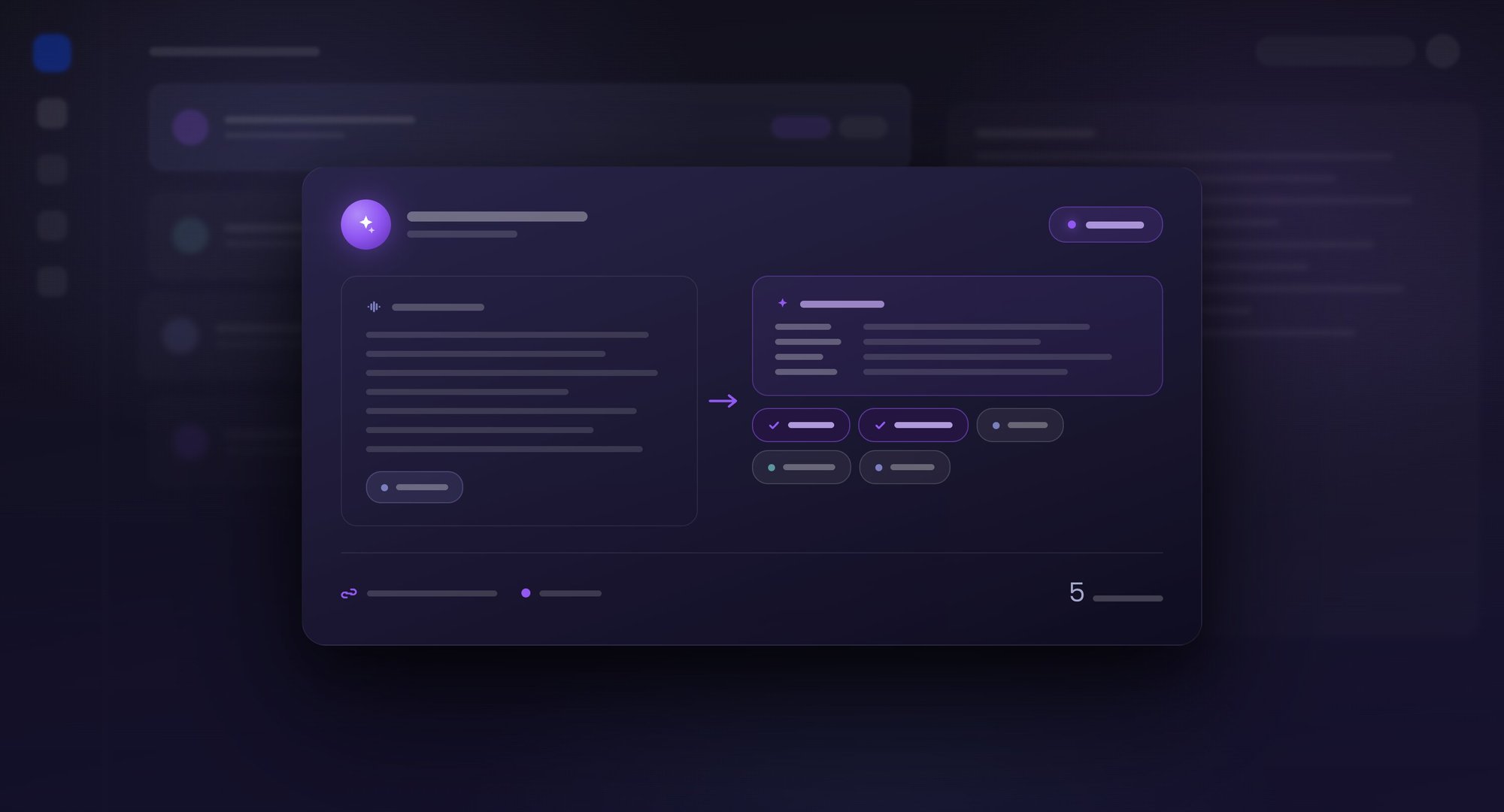
How Luware Nimbus Companion connects with your tech stack

Power Automate connector

The bridge to your CRM, ticketing system, or any other business platform. Transcripts, summaries, codes, and tags flow outbound; customer context flows inbound. The connector is certified by Microsoft and requires no custom code.

Azure AI Foundry

The infrastructure layer Luware Nimbus Companion runs on. Speech recognition, AI summarization, and natural-language orchestration all sit inside Microsoft's enterprise AI environment, with data processing governed by Microsoft trust boundaries. Tenant admins can choose the underlying AI engine for each use case (Azure AI Services, Microsoft 365 Copilot, or Azure OpenAI GPT).

Frequently asked questions about Luware Nimbus Companion

WEB_NIM_FUNCTIONALITY_call-reporting-analytics_2560x1440_A

What is Luware Nimbus Companion and how does it improve contact center employee efficiency?

Luware Nimbus Companion is an AI-powered suite designed to assist contact center employees in real time by automating transcription, call summarization, and code suggestions. It reduces after call work by eliminating manual note-taking and proposing relevant codes and tags drawn from your team's historical labels. This allows contact center employees to stay focused on the customer conversation, which improves resolution rates and overall employee satisfaction. 

How does the AI summarization feature in Luware Nimbus Companion work?

Luware Nimbus Companion uses speech-to-text to transcribe each call, then applies AI to generate a concise interaction summary. The summary captures the core issue, the resolution provided, and a narrative recap, all visible in the My Sessions widget. Summaries can also push automatically to your CRM through the certified Luware Nimbus Power Automate connector, keeping records consistent across your organization. 

Does Luware Nimbus Companion support live captioning during active calls?

Luware Nimbus Companion includes a live captioning feature that converts spoken dialogue into visible text in real time during an active call. This is particularly helpful for contact center employees working in noisy environments, handling complex technical terms, or supporting accessibility requirements. Live captions appear directly within the contact center employee's workspace, ensuring no critical details are missed during a fast-paced customer interaction. 

Can Luware Nimbus Companion automatically suggest tags and codes for calls?

Luware Nimbus Companion analyzes the context of each conversation and suggests the most relevant codes and tags once a call ends, streamlining the reporting process. The AI proposes up to 5 labels per call, drawn from your team's historical tags or suggested as new ones. This automation saves your team from searching through extensive code lists manually and keeps reporting data accurate and consistent across the contact center. 

How can I integrate Luware Nimbus Companion data with my CRM or other tools?

Luware Nimbus Companion integrates with your CRM and external platforms through the certified Luware Nimbus Power Automate connector. This lets you trigger automated workflows that populate customer records with transcripts and summaries, send follow-up emails immediately after a call, or push AI-suggested codes into your reporting systems. Interaction data stays synchronized across your technology stack without any manual intervention from your team. 

What are the licensing and technical requirements for Luware Nimbus Companion?

Luware Nimbus Companion is available for Luware Nimbus Enterprise Routing or Contact Center service users and requires a dedicated license for each active user. The underlying speech recognizer can be Azure AI Services or Luware Nimbus AI Services, configured by a tenant administrator. Once enabled, Luware Nimbus Companion appears as a unified widget inside the Luware Nimbus portal. 

Does Luware Nimbus Companion replace contact center employees?

No. Luware Nimbus Companion is built to augment contact center employees, not replace them. It handles the work around the conversation (transcription, summarization, code suggestions, and data sync) so your team can stay focused on the customer and the judgment calls that still belong with a human. The goal is to give contact center employees back the minutes AI can absorb. 

Give your contact center employees back their time

Book a demo to see how Luware Nimbus Companion reduces after call work and keeps your team focused on the customer. We'll tailor the walkthrough to your Microsoft Teams contact center setup.

  • 30-minute demo
  • No commitment
  • Your data, your environment

Book a Demo

Other Nimbus Features

Content reviewed and validated by

Markus Weisbrod

Head of Product Management, Luware Nimbus Last reviewed: April 2026