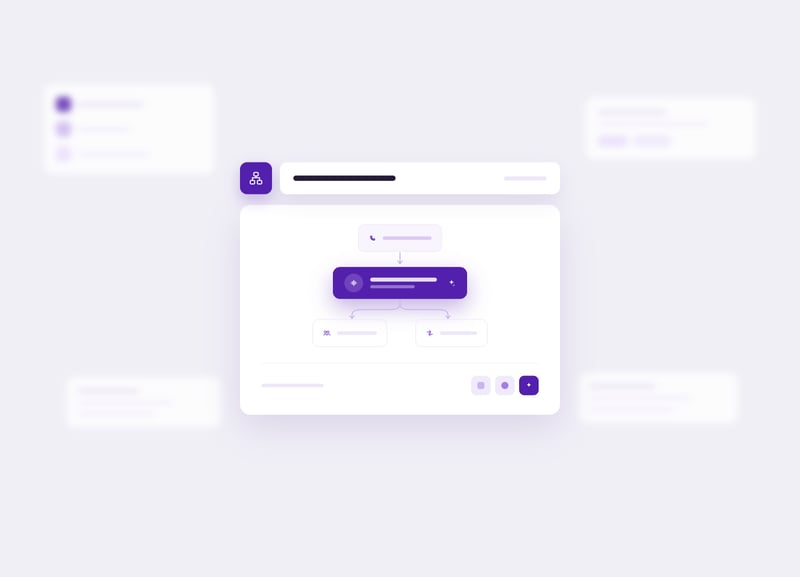
Scale Your Contact Center with AI Automation

Luware Nimbus Virtual User is the AI team member in your Microsoft Teams contact center. It handles routine calls, IVR flows, and customer verification 24/7. Your team stays focused on the conversations that actually need a human.
Nimbus-Hero_VirtualUser
  • CRN Tech Innovator Award
  • Award winning Microsoft Partner
  • Microsoft Financial Services AI certified

What your contact center gains with Luware Nimbus Virtual User

See how it works

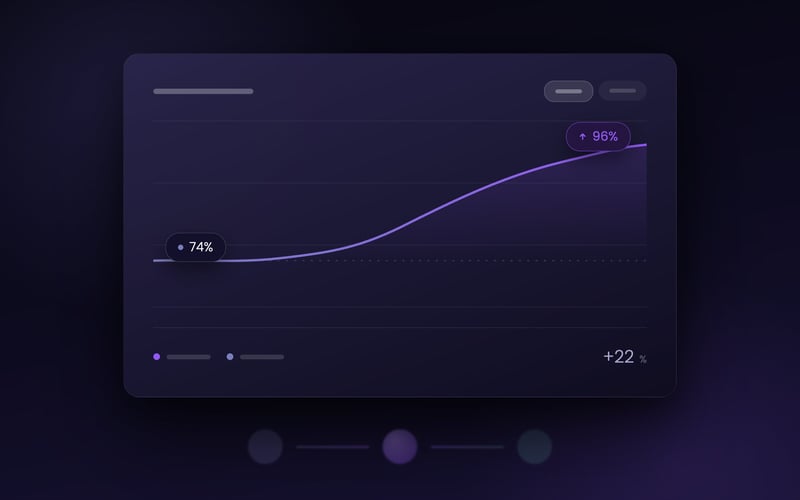
22% — Higher first contact resolution

A major insurance provider replaced its traditional IVR with Luware Nimbus Virtual User and saw first contact resolution climb from 74% to 96%. Customers reach the right team member the first time.

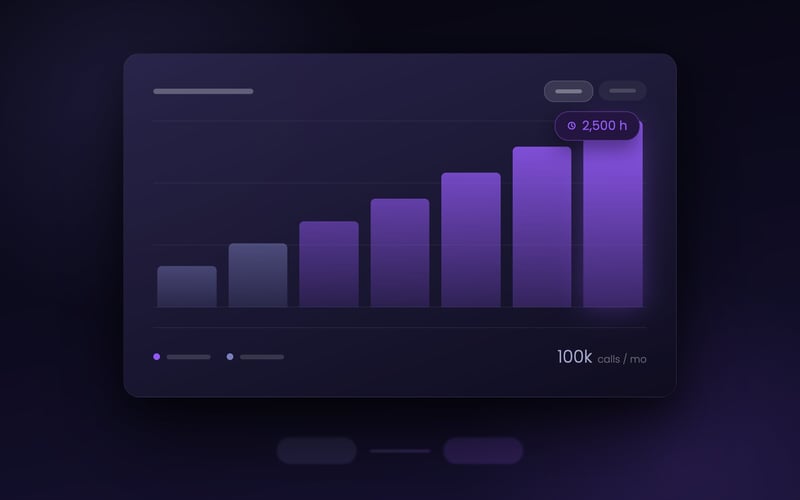
2,500 hours — Of team time saved every month

A major banking customer automated 90-second customer verification with Luware Nimbus Virtual User. At 100,000 calls a month, that is over 100 full workdays returned to the team.

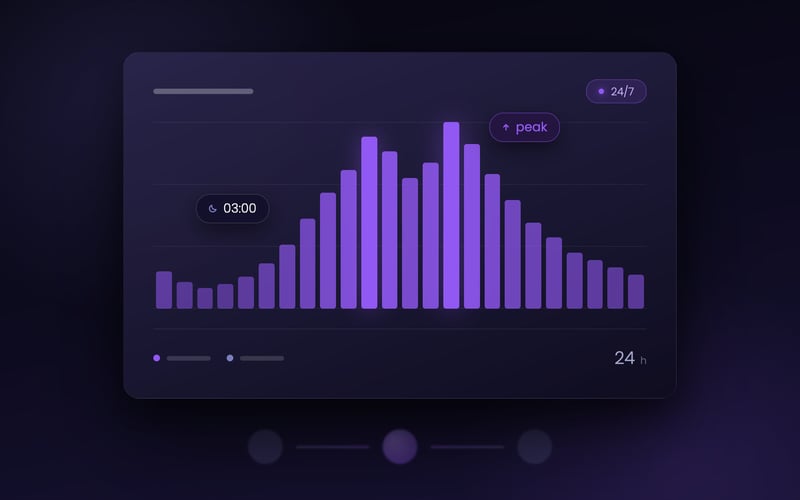
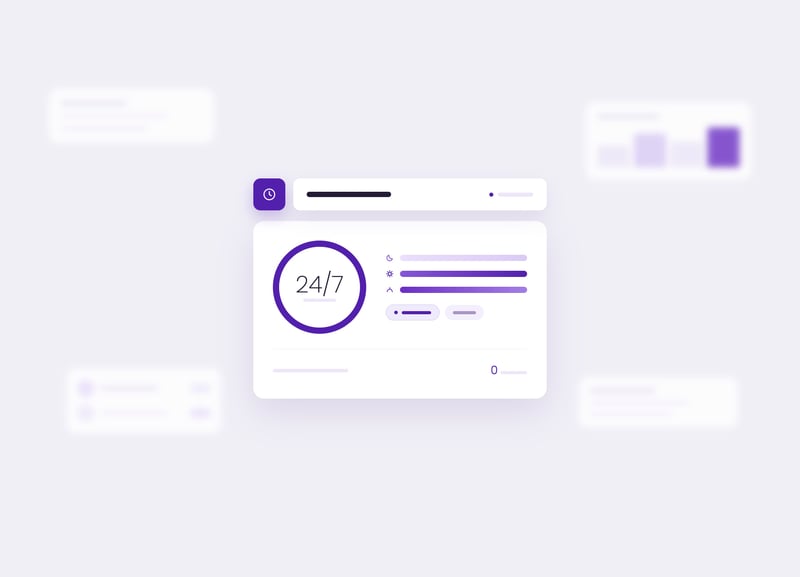
24/7 — Always on, always ready

Luware Nimbus Virtual User answers instantly and scales on demand, whether the call comes in at 3 am or during a peak-hour surge.

The gap between 24/7 expectations and human capacity

Customers hate press-one menus. They press the wrong option, end up in the wrong queue, and have to repeat themselves to the first human who picks up. Meanwhile the queue keeps growing, because customer expectations around 24/7 availability do not match what a human team can staff.

The result is higher wait times, lower first-contact resolution, and a team that spends its day handling problems technology should have solved.

From Microsoft Teams call to automated resolution in five steps

01

The call arrives and Luware Nimbus Virtual User picks up immediately

A customer calls your Microsoft Teams contact center. Instead of hearing a press-one menu, they are greeted by Luware Nimbus Virtual User, ready to listen and respond in natural language.

Luware Nimbus Virtual User listens to what the customer actually says, using an integrated intent recognizer powered by any Azure OpenAI GPT Realtime compliant AI platform. The system understands the goal of the call without needing keypad inputs.

02

Intent recognition routes the conversation

03

Routine tasks are handled automatically

Luware Nimbus Virtual User can answer frequent questions, run identity verification, collect order numbers or client IDs, and resolve simple inquiries on its own. Tasks that would have taken a human team member 90 seconds happen while the customer is still speaking.

Everything the Virtual User learned during the conversation, from verification status to the customer's stated issue, is stored as context parameters and carried forward. Nothing gets lost between the Virtual User and the next step in the workflow.

04

Context is captured for the handoff

05

Escalation to a human team member is seamless

If the conversation needs human judgment, Luware Nimbus Virtual User transfers the call to the right person in your Microsoft Teams contact center with full context attached. Your team picks up knowing who the customer is and what they need.

The Virtual User greets callers, understands intent through natural conversation, and routes each call to the right team member on the first try. First contact resolution climbed from 74% to 96% after deployment.

In production

A major insurance provider replaced its traditional IVR system with Luware Nimbus Virtual User in its Microsoft Teams contact center

What the Luware Nimbus Virtual User delivers

Natural-language intent recognition

Luware Nimbus Virtual User listens to what the customer says and routes the call based on meaning, not keypad presses. It runs on any Azure OpenAI GPT Realtime compliant AI platform, so your team stays in control of the AI engine.

24/7 availability

Luware Nimbus Virtual User answers immediately at any time of day and scales on demand. There is no queue, no hold music, and no dependence on staffing levels.

Customer identification and verification

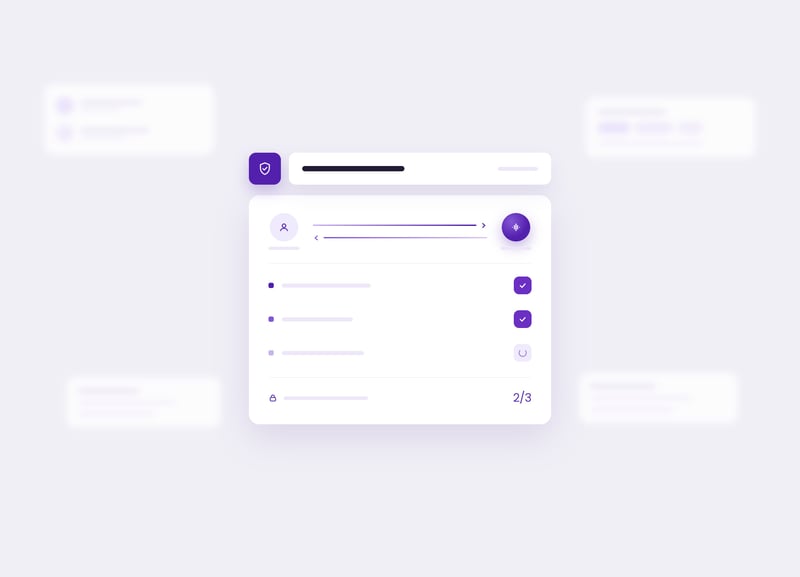
Luware Nimbus Virtual User guides callers through automated security questions, verifying identity before the conversation reaches a human team member. The verification happens while the customer is still on the line, turning idle hold time into productive time.

Context capture and handoff

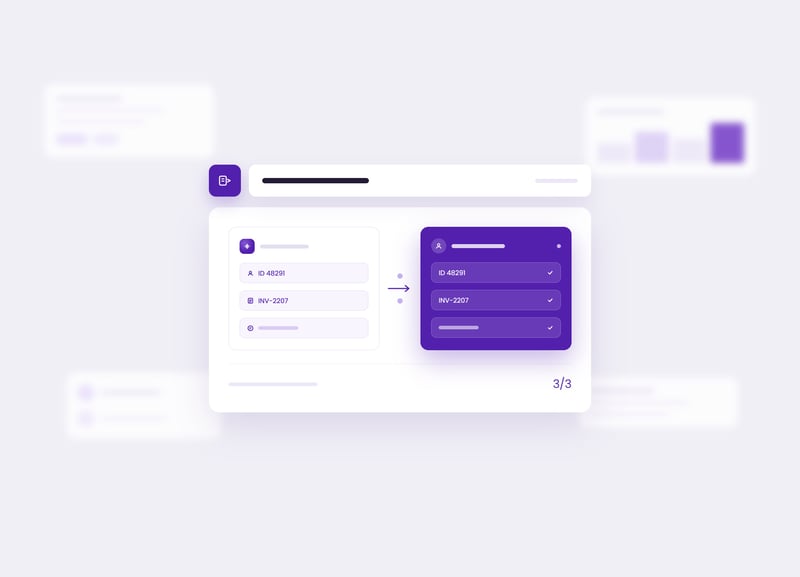
Luware Nimbus Virtual User captures specific data during the call, such as client IDs, invoice numbers, or the stated reason for the call, and stores it as context parameters. When the call transfers to a human team member, all of that context travels with it.

Custom training for your business

Luware Nimbus Virtual User can be trained on your company-specific knowledge and processes. Teach it once and deploy it across any scenario, from self-service bots to front-desk concierges to technical support.

Workflow integration inside Luware Nimbus

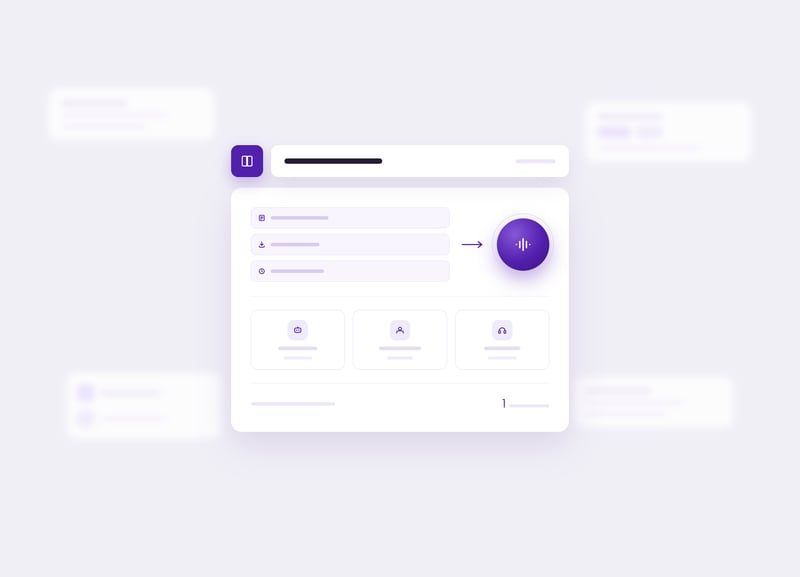
Luware Nimbus Virtual User is a native activity inside the Luware Nimbus Workflow Editor. Drag it into any workflow alongside queue, transfer, and distribution priority activities to design end-to-end customer journeys.

What customers say about Luware Nimbus Virtual User

74-96%

A major insurance provider in Europe replaced its traditional IVR with Luware Nimbus Virtual User and reported a first contact resolution lift from 74% to 96% after deployment.

Want to improve your contact center?

Book a personalised demo and see how the Luware Nimbus Virtual User can work for your team.

Liis Kalmet on the difference between a bot and a team member

The easiest way to explain Luware Nimbus Virtual User is by what it is not. It is not a chatbot bolted onto a contact center. We built it as a team member, with a role and a persona, assigned to an underlying AI engine that the customer chooses.

That distinction matters: a bot is a technical connection, a team member is someone with a job to do. When you design AI around the job rather than around the technology, you end up with customer conversations that feel like service instead of interrogation.

Liis Kalmet

Product Manager (AI features), Luware Nimbus

Liis Kalmet serves as the Product Manager overseeing AI features within Luware Nimbus. Combining a strong foundation in global customer success with strategic product innovation. Her diverse background includes driving high-level user adoption, managing complex integrations, and fostering strong client relationships at tech companies like Go Instore and ERPLY across the UK, Australia, and Estonia. Since joining Luware in 2023, Liis has rapidly progressed from Customer Success Specialist to Product Manager. She expertly leverages her deep, hands-on understanding of client needs and cross-functional collaboration to shape the future of AI-driven communication solutions.
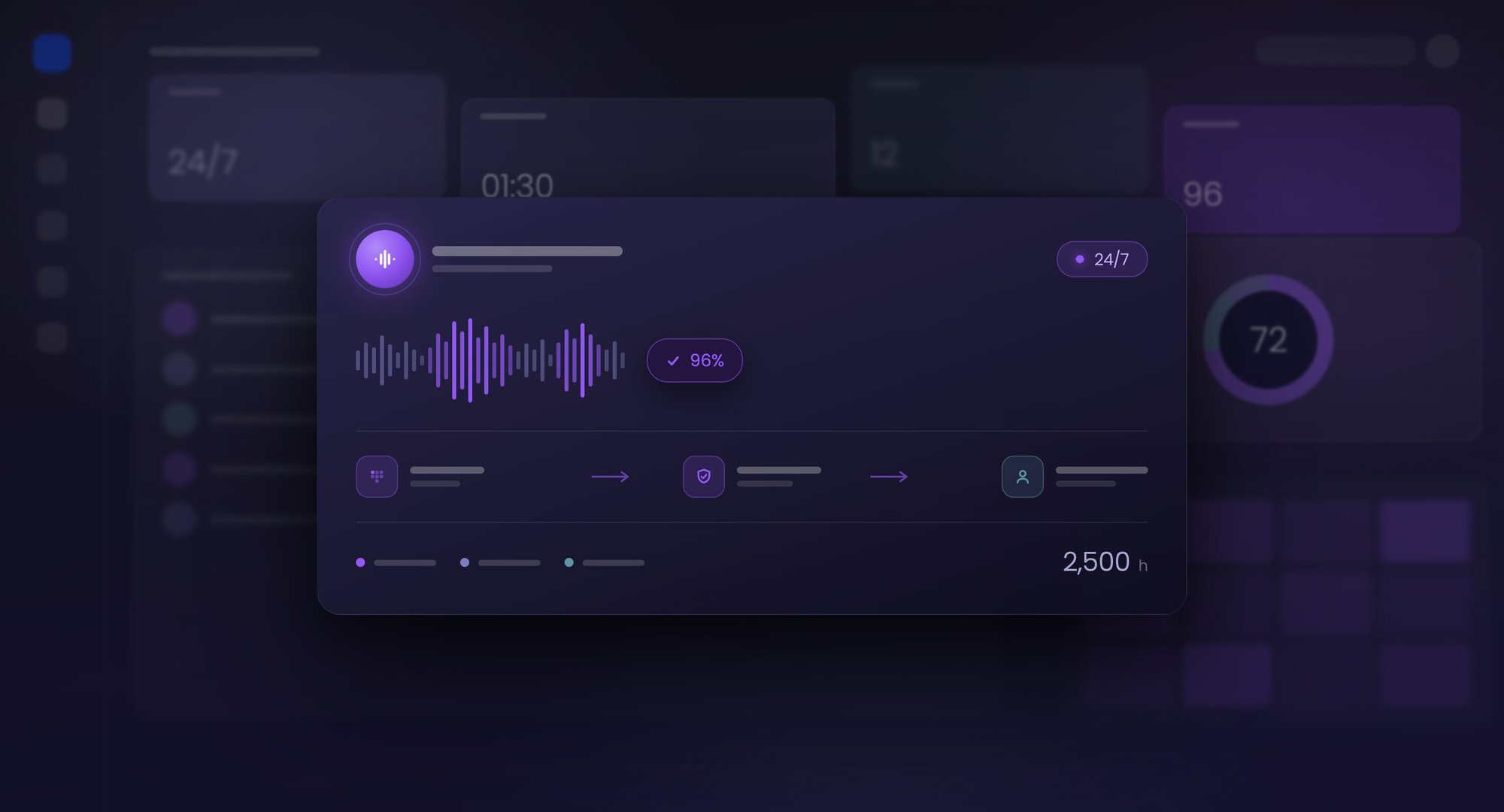
How Luware Nimbus Virtual User connects with your tech stack

Power Automate connector

The bridge between Luware Nimbus Virtual User conversations and your CRM, ticketing, or other business platforms. Captured context (client IDs, verification status, stated intent) flows outbound to external systems; customer data flows inbound. The connector is certified by Microsoft and requires no custom code.

Azure AI Foundry and Azure OpenAI GPT

Realtime platforms. The infrastructure layer Luware Nimbus Virtual User runs on. Tenant admins choose the AI engine that matches their use case and data requirements, selecting from any Azure OpenAI GPT Realtime compliant AI platform. Speech recognition, intent analysis, and natural-language generation all sit inside Microsoft's enterprise AI environment, with data processing governed by Microsoft trust boundaries.

Frequently asked questions about Luware Nimbus Virtual User

WEB_NIM_FUNCTIONALITY_call-reporting-analytics_2560x1440_A

What is a Luware Nimbus Virtual User?

A Luware Nimbus Virtual User is an AI-powered digital team member that manages automated workflows and customer interactions 24/7 within Microsoft Teams. By connecting to any Azure OpenAI GPT Realtime compliant AI platform, it functions as a tireless member of your contact center, capable of understanding and responding to customers in natural language. This lets organizations scale their service capacity without increasing human headcount for routine inquiries. 

Can Luware Nimbus Virtual Users replace a traditional IVR system?

Luware Nimbus Virtual User can replace rigid "press-one" menus with fluid, natural-language navigation through an integrated intent recognizer. The system listens to the caller's spoken intent and routes the interaction to the correct department based on the conversation rather than keypad inputs. This modern approach creates a more intuitive customer experience and reduces the frustration often associated with complex IVR trees. 

What are the licensing requirements for a Luware Nimbus Virtual User?

Luware Nimbus Virtual User is available as an add-on licensed per virtual user deployed. Each Virtual User license is managed directly within the Luware Nimbus admin portal, where the "Add Virtual User" activity becomes available inside the Workflow Editor. Licensing requirements may vary by Luware Nimbus service tier; confirm current terms with your Luware account team. 

What is the difference between a human team member and a Luware Nimbus Virtual User?

Human team members provide empathy and complex problem-solving; a Luware Nimbus Virtual User provides constant availability and consistent execution of repetitive tasks. The Virtual User functions as the technical hook for automated queues and IVR flows, staying responsive during peak hours and after-office shifts. This pairing lets human staff focus on high-value interactions while the Virtual User handles initial triage and data gathering. 

How do Luware Nimbus Virtual Users differ from traditional bots?

In the Luware Nimbus ecosystem, a bot is the technical connection to an AI service; a Luware Nimbus Virtual User is the specific persona interacting with your customers. This distinction lets administrators assign unique system instructions, such as a front-desk concierge or technical support persona, to an underlying AI engine. The result is a more tailored, human-like interaction that aligns with your brand's specific tone and service goals. 

Which AI services can be used with a Luware Nimbus Virtual User?

Luware Nimbus Virtual User supports any Azure OpenAI GPT Realtime compliant AI platform, so your contact center can select the AI engine that best matches your data requirements and use case. Luware Nimbus also offers native Nimbus AI Services for specialized intent analysis, providing a flexible "bring your own model" approach to automation. This compatibility means your contact center can leverage the best-in-class AI technology currently available and migrate as new options emerge. 

Can a Luware Nimbus Virtual User collect and pass data to a human team member?

A Luware Nimbus Virtual User can extract specific information during the conversation, such as invoice numbers or the stated reason for the call, and store it as a context parameter. If the interaction transfers to a human team member, all captured data travels with it to provide immediate context. This handoff eliminates the need for customers to repeat information and lets the team member resolve the issue more efficiently. 

How does a Luware Nimbus Virtual User improve contact center automation?

Luware Nimbus Virtual User improves contact center automation by identifying customer intent and capturing critical data points, such as client IDs or verification answers, during the initial interaction. This capability allows Luware Nimbus to resolve simple queries entirely through AI, reducing the workload on human team members. For more complex cases, the Virtual User escalates with context intact so your team solves the customer's actual problem instead of restating the question. 

Scale your contact center without adding headcount

Book a personalised demo and see how the Luware Nimbus Virtual User can work for your team.

Book a Demo

Other Nimbus Features

Content reviewed and validated by

Markus Weisbrod

Head of Product Management, Luware Nimbus Last reviewed: April 2026